
 United States
 Canada
 United Kingdom
 Australia
 New Zealand
How to Schedule Across Time Zones When the Clocks Change
Use date-specific city time zones, avoid ambiguous hours and keep recurring meetings accurate through daylight saving changes.
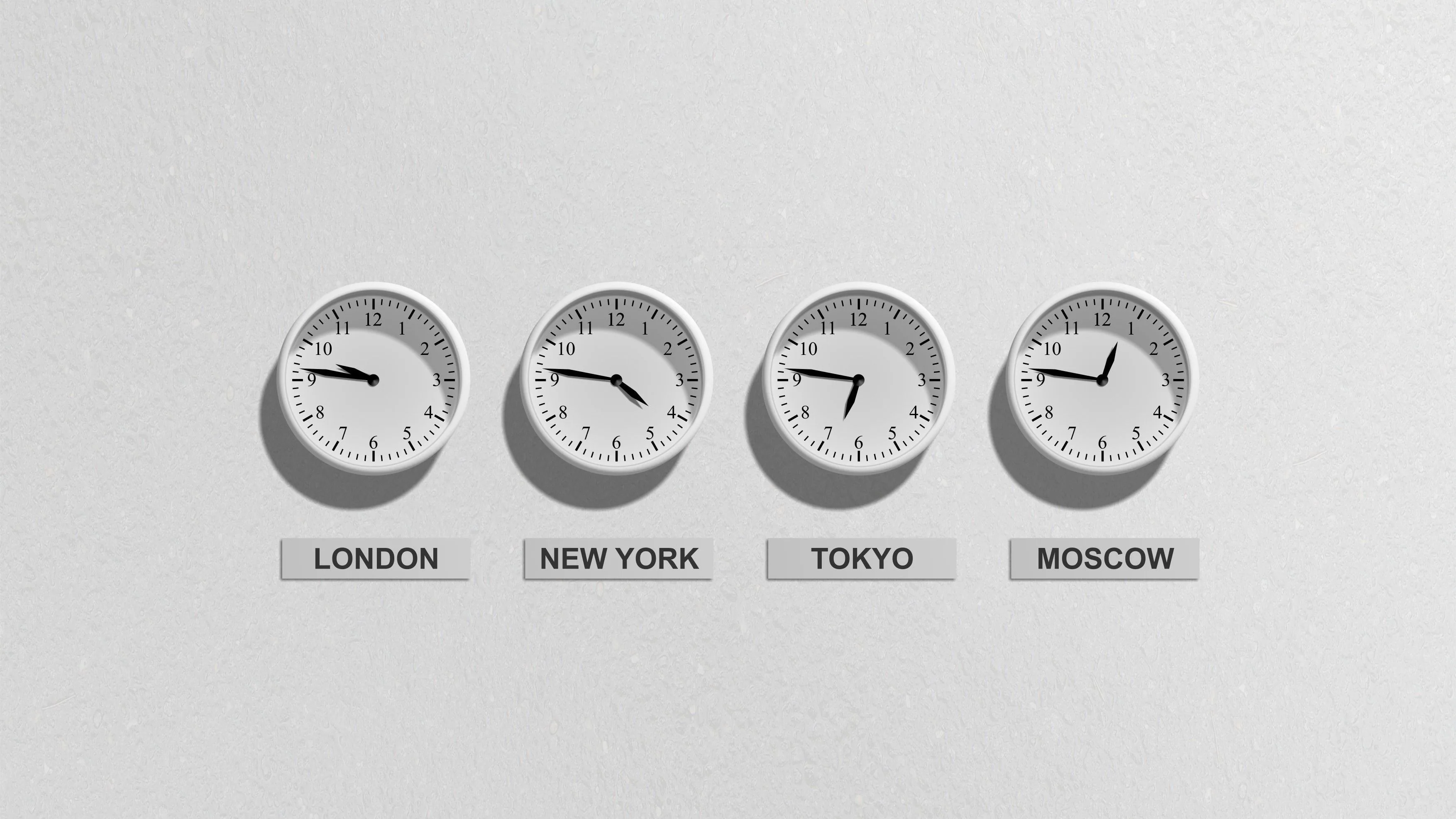
For a meeting across time zones, schedule it with a specific date and named city time zone, then confirm what it shows in each participant’s location. During the weeks when two places change clocks on different dates, the same meeting can appear an hour earlier or later for one group. Decide whether the event should keep the host’s local hour or keep the same instant in UTC.
The distinction matters most for recurring meetings. “We meet every Wednesday at 9” makes sense in one office. It becomes ambiguous when there are two offices, a daylight saving change and several calendar apps. A city and date give the calendar enough information to compute the local time.
Choose the city time zone
Choose a time zone such as New York or London from your calendar’s list. City identifiers carry rules about local clock changes that a fixed offset such as UTC−5 cannot describe by itself. Abbreviations can also mean different things in different regions. Use a city name in the invite and give the date as well as the time in anything someone might copy manually.
The IANA Time Zone Database maintains a record of local time rules and updates them when political decisions change offsets or clock schedules. A future appointment belongs in an app or system with current time zone data. A static chart or print can be useful for checking a known date but cannot apply changes published after it was printed.
For a concrete comparison, open Time Difference and choose both locations on the actual date. A comparison for today does not necessarily hold throughout the month. If the meeting repeats, check the first occurrence, one close to each clock change, and the occurrence after both places have settled into their new offsets.
Choose what remains fixed for a recurring meeting
A host-anchored meeting keeps its local clock time at the office that runs it. If New York hosts at 9 am every week, people in London may see the hour change during the gap between American and British clock transitions. This suits a meeting managed around a standing schedule in the host office.
A UTC-anchored event keeps its time at a fixed UTC hour. This can help people coordinate a global process. Local clock times can change for everyone in a location that switches between standard and daylight time. Use this when the shared reference is a fixed instant, and clearly show the UTC anchor in instructions that will be copied by humans.
For example, in 2027 New York has already advanced its clocks by March 17, while London has yet to do so. A 9 am New York meeting is 1 pm in London that day. On March 31, after London’s change, it is at 2 pm London time. The 9 am anchor stays the same. Check the bookends using Daylight Saving Time and use a short message to call out the specific weeks that differ.
Avoid the missing and repeated hours
In places that advance clocks by one hour, there is a range of local times that does not occur on the transition date. When they turn the clock back, a range of local times occurs twice. A dial label such as 1:30 am can describe two instants on the same day in an area that repeats its 1 am hour.
NIST’s US daylight saving guidance explains the skipped and repeated hours under US rules where daylight saving is used. Other countries may change the clocks at different hours or use different schedules. Some locations never change at all, so their relationship to a nearby city can still change when that other city adjusts its clocks.
If an event must run through the transition, add the local start and end with their offsets, or give both as UTC times in the operational schedule. A printed roster can show local times next to them for readability. For a casual meeting, move the appointment away from the transition hour when possible. That makes the invite easier to interpret and leaves fewer ways for software to resolve an ambiguous time.
London’s rule follows the last Sunday in March and the last Sunday in October. Look up the calendar year in GOV.UK’s clock-change schedule rather than assuming the new offset starts on the same day as the US change. If the invite repeats through both transitions, save a short list of exceptional dates in its description so recipients can spot the change even from a printed copy.
Check the invite through the recipient’s eyes
Open the first event on the calendar and look for the configured time zone rather than checking only its title. A manually written title can still say “2 pm London” after the time has changed. Use automatic time zone conversion where possible and add an explanatory note if the recipient expected the usual local hour.
Look for a date change as well as an hour change. A meeting late in one location might be tomorrow morning in another. When giving dates in email, spell out the month and include the weekday if it helps. “Wednesday, March 17, 9 am New York, 1 pm London” is easier to check than a list of numbers and abbreviations.
For a weekly print, add a mark to the transition week so someone who missed the invite update can see the change. The shift calendar guide covers the related case of an overnight schedule running across midnight. Keep the named time zone in the original recurring invitation, and use each paper or email summary as a dated view of that schedule.
Related Calendar Guides
All Blog Posts-
 Planning
How to Read and Plan a Rotating Shift Calendar
Count forward from a known shift, mark overnight hours clearly and keep shift swaps visible when you share a roster.
-
 Calendar Basics
How to Read a Moon Phase Calendar in Your Local Time
Interpret the four primary lunar phases, convert their dates to your time zone, and plan when and where to look up.