
 United States
 Canada
 United Kingdom
 Australia
 New Zealand
How to Fill In a Blank Calendar Without Running Out of Rows
Number any undated monthly grid, test whether you need five or six rows, and reuse your blank calendar next month.
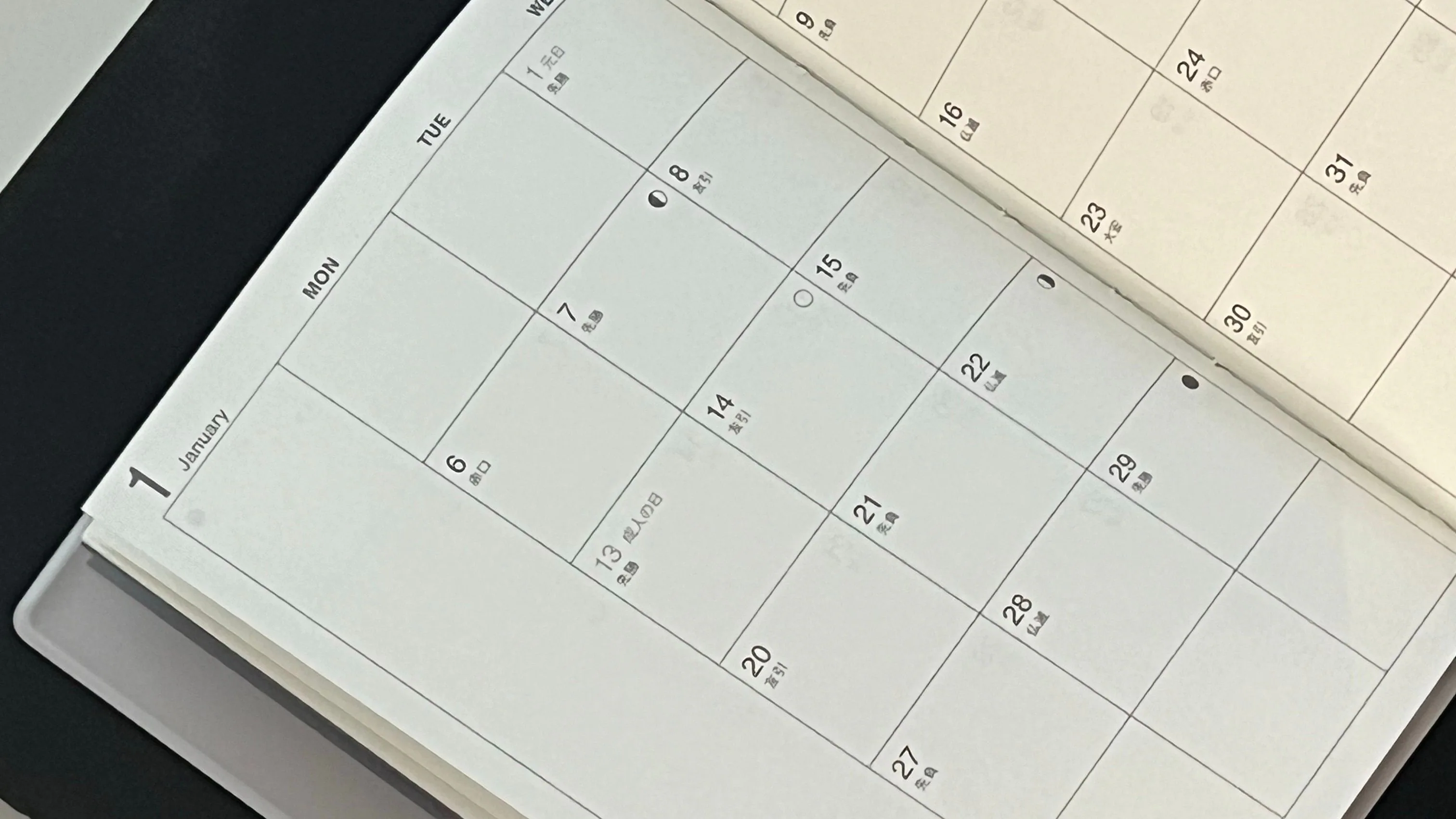
To fill in a blank monthly calendar, write the month and year, find the weekday of the first day, and put 1 in that column on the top row. Number the remaining dates from left to right, continuing on the next row when you reach the end. Before writing in pen, check that the last date fits. Some months need a sixth row, depending on which weekday your calendar starts on.
An undated page is convenient when you start a project halfway through the year, need a one-off schedule, or want several clean copies of the same grid. The usual mistakes are putting the first date under the wrong weekday and choosing a five-row sheet for a month that needs six. Both take less than a minute to catch.
Work out the month and the first weekday
Choose your intended month and year before copying dates. Look them up in an online dated calendar or a reliable date app. Verify the first weekday and the number of days in the month. If you are using February, check the year specifically because it can have 28 or 29 days.
Next, look at the column headings on the actual sheet. Saturday appears last on a Sunday-start grid, and it appears next to last on a Monday-start grid. Copy the weekday name, then write the number under the matching column. Copying a number into the same visual column from another calendar can shift the whole month by a day.
Mark days from the previous and next month only if they help. A person planning a trip that crosses the boundary might pencil them in with smaller numerals. If the page is for a class or for monthly records, leaving those cells blank keeps the month easy to identify. Either way, leave visible space between the last date of one month and the first of the next.
Decide whether five rows will fit
Count the unused cells before the 1st in your top row. Add that number to the total number of days in the month. If the total is greater than 35, the month needs six rows. A five-row grid has seven cells per row and 35 spaces in all, including the ones you had to leave empty at the beginning.
May 2027 is a useful test. It starts on Saturday and has 31 days. In a Sunday-start grid there are six blank spaces before Saturday, resulting in 37 spaces including the May dates. In a Monday-start grid there are five blanks ahead of Saturday, resulting in 36 spaces. Both versions need a sixth row. In a Monday-start grid, the 31st falls in the first cell of that last row. In the Sunday-start version, the 30th and 31st both occupy the final row.
For a 31-day month, six rows are needed when the 1st falls in either of the last two columns. A 30-day month needs six when the 1st falls in the final column. February always fits within five rows under these arrangements. The Python calendar reference shows how full-week rows represent a calendar month, with out-of-month positions treated separately.
If a design comes with five rows and your dates need six, switch templates. Stacking two dates in the same cell makes handwritten changes harder to read and can be confusing to someone using the page after you. The six-week option under Blank Calendars is useful when you want one layout that works all year.
Copy the numbers and run two independent checks
Start on the top row with 1 and fill across. Check the next date in the first column against your dated reference. If you use a Monday-first layout, that new row always starts on Monday. Then fill dates through the last number in the month and check the weekday under that number separately. Looking up both the first and last weekdays catches most transcription slips.
Use a simple pattern if you are filling several blank pages at once. Write the month heading and start date on each sheet first. Number one sheet, compare it with the dated calendar, and set it aside before moving on. For a repeated timetable, put the fixed date labels on a master copy before duplicating it. The copy that stays blank can serve the next project.
Write event times near the top or bottom of each cell consistently. Initials help when the grid is shared. If you could confuse 7 in the morning with 7 in the evening, include “am” or “pm” or use a 24-hour time. A legend in the margin can explain symbols for school closures, shifts, or deadlines, and it remains readable on black-and-white copies.
Make the blank page easier to reuse
For a dry-erase board or a printed page in a clear sleeve, keep the original download and experiment with an inexpensive test copy. A calendar sized for the frame leaves enough space at the edges when you mount it. The actual-size printing guide explains how to preserve the intended grid and confirm there is no clipping.
If a group needs the same events printed repeatedly, use the calendar maker to enter the dates and preview the layout before printing. A handwritten sheet works when the plans are flexible or need to be visible in one place. An editable file is easier for copying and distributing a fresh version after changes.
Finish by dating the version if other people will use it. “Updated April 26” gives everyone a way to spot an earlier print. Keep your current month where the plan is used, and leave the next month in the same folder until you need it. That way the blank format remains useful even when the dates are written in advance.
Related Calendar Guides
All Blog Posts-
 Printing
How to Print a Calendar at Actual Size
A calendar that comes out too small or cropped usually needs a paper or scaling change. Learn how to check the PDF, preview and printer settings.
-
 Calendar Basics
Monday or Sunday Start? Which Calendar Layout Should You Use?
Choose a week start that matches your routine and weekly handoffs, with examples for work, family and weekend planning.