
 United States
 Canada
 United Kingdom
 Australia
 New Zealand
Monday or Sunday Start? Which Calendar Layout Should You Use?
Choose a week start that matches your routine and weekly handoffs, with examples for work, family and weekend planning.
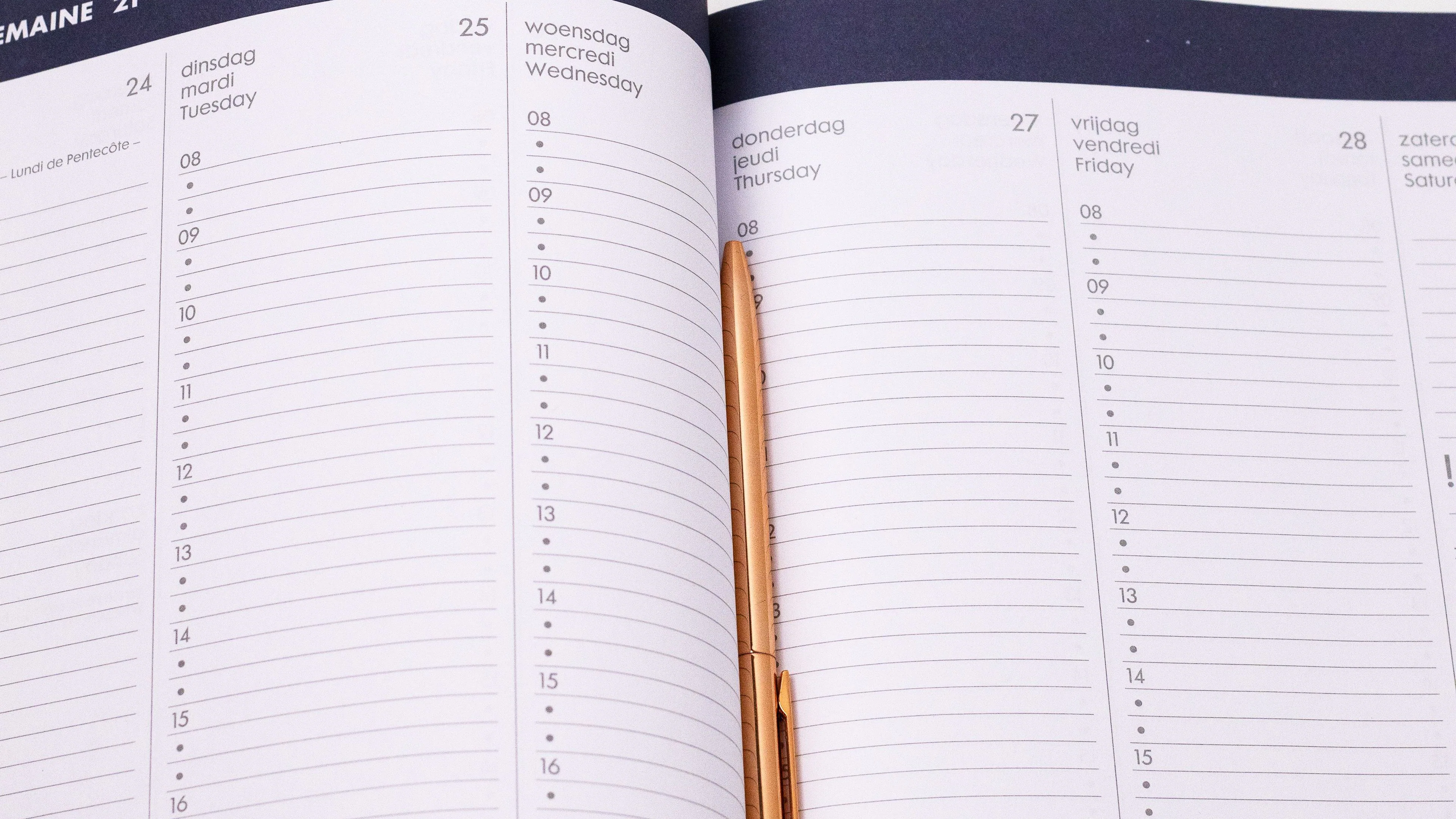
A Monday-start calendar keeps the Monday-to-Friday work or school week together and places Saturday and Sunday beside each other. A Sunday-start calendar puts Sunday at the left edge and Saturday at the right. Both show the same dates. The useful choice is the one that puts the days you coordinate most often in positions you and anyone sharing the calendar expect.
A store-bought planner, a workplace schedule, and a phone calendar can all use different defaults. This is easy to overlook when you copy an appointment by eye. A week start is a display preference for the page, and it can be chosen separately from the days you work, the days you are off, and the way your organization numbers weeks.
See what changes when you move the first column
In a Monday-start month grid, a weekend trip from Saturday morning to Sunday evening fits in one row. Follow the same trip in a Sunday-start grid and it crosses the line between two weeks. The dates and travel times are unchanged, but a highlighter line, a day-range bar, or a handwritten bracket takes a different shape.
The reverse can help with a Sunday-to-Saturday routine. If Sunday is the first day of your meal plan, or a team runs a schedule from Sunday through Saturday, every day in that planning period appears on one line. For that purpose, Sunday at the left is a practical choice even if another calendar in the office begins on Monday.
Try the difference with your own dates. Open the blank calendar gallery, choose a design with both variants, and switch the week start. Look for the location of your busiest day instead of focusing only on the labels. If you have a weekly task on Sunday, does it make more sense at the beginning of your plan or beside Saturday at the end?
Country defaults are a useful starting point
On PrintCalendar365, the United States and Canada editions open with Sunday first. The United Kingdom, Australian, and New Zealand editions open with Monday first. These are the site’s defaults for those editions. Printed products, workplaces, and apps within a country can use their own conventions, and an individual’s preference can override an application setting.
Unicode’s locale data documentation on weeks explains why the calendar’s first displayed day and the boundary of the weekend are separate settings. It also describes how a user or application can override the regional week display. This distinction matters if you use a Sunday-start calendar but work Tuesday through Saturday. Your row still starts on Sunday, while your regular workdays form their own pattern within it.
A holiday marking is separate too. Changing the week start repositions a holiday’s date in the grid. It leaves the regional schedule and the observed date as they were. When you print for people in two regions, decide both which holiday schedule belongs on the page and which week arrangement they need.
Choose a layout for the way you hand off a week
For a household, look at who refers to the calendar and at which moment. If the family stands by the fridge on Sunday evening to review school pickups and weekend plans, a Monday-start sheet puts the next full week into one row. If your household shopping and cooking cycle starts every Sunday, Sunday first may make it easier to see all seven meals on a single line.
For a team, start with the reporting window. If the weekly check-in covers work performed Monday through Sunday, match that window on the printed calendar. If shifts or appointments roll over on another day, write the actual date range at the top even when your print layout uses a conventional start. People can confirm the range without inferring it from the grid.
For an individual planner, test how often a two-day plan crosses a row. Someone who sets up events on a Saturday and closes them out on a Sunday may want the weekend in one place. Someone who makes a plan on Sunday and acts on it through the working week may prefer seeing the Sunday and Monday entries side by side at the start of a row. Try a four-week print before buying or printing a year’s worth.
Check the number when a calendar has weekly labels
Week numbering depends on a rule in addition to the first day displayed. An ISO week begins on Monday, and ISO Week 1 includes the first Thursday of that year. An app may use Monday as its display start but assign Week 1 in a different way. Changing the first column is never enough to confirm how a displayed week number was calculated.
The difference is most visible around New Year. Friday, January 1, 2027 lands in ISO Week 53 of 2026. Monday, January 4 starts ISO Week 1 of 2027. Use the guide to ISO Week 53 when you need a readable explanation to share, or open the week number calculator to look up a particular day.
If your schedule has week numbers along the left edge, check which seven days the label covers. One Sunday-first display may show a week number associated with the Monday in the row, even though the Sunday belongs to the previous ISO week. For international project planning, an explicit start and end date avoids that confusion.
Make the choice visible when you print or share
Once you choose a start day, write the setting in filenames or print instructions for shared copies. “March 2027, Monday start” is enough. In the calendar maker, check the weekday headings after changing the setting, then make sure the dates and notes you entered appear where you expect. Keep one copy labeled with its month and year for the next person who needs to edit or reprint it.
If you switch between two layouts, train yourself to check the weekday label before copying a date. When the year opens midweek or a month spans six rows, look at the full grid rather than relying on a remembered position. Choose the arrangement that saves your readers that extra moment of interpretation most often.
Related Calendar Guides
All Blog Posts-
 Calendar Basics
ISO Week Numbers Explained, Including Week 53
Learn how to find ISO Week 1, why some January dates belong to the previous week-year, and when Week 53 appears.
-
 Planning
How to Use a Weekly Calendar for Time Blocking
Make a weekly plan that accounts for fixed appointments, focused tasks, travel, breaks and interruptions.