
 United States
 Canada
 United Kingdom
 Australia
 New Zealand
How to Use a Weekly Calendar for Time Blocking
Make a weekly plan that accounts for fixed appointments, focused tasks, travel, breaks and interruptions.
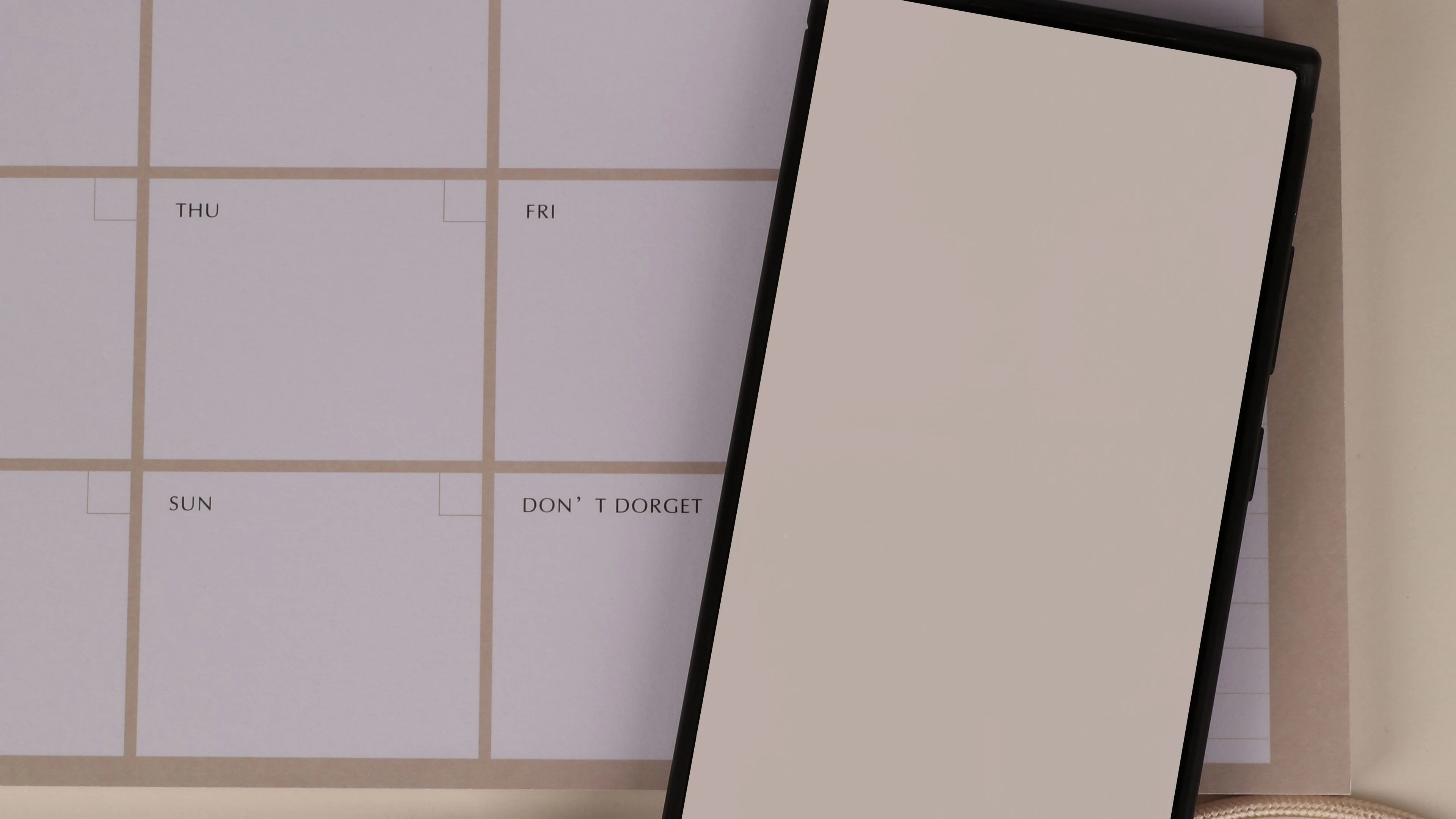
Time blocking means giving work, commitments and recovery time a place on the calendar. Put fixed appointments in first, estimate space for the most important flexible tasks, and keep room for travel and interruptions. A useful weekly plan can absorb a late meeting or a slow afternoon while still showing what must get done.
The difference between a task list and a calendar is capacity. A list can hold twenty plans for Wednesday. A calendar has the hours that Wednesday actually contains. The goal is to make a small number of decisions about where those hours can go before the day fills up.
Measure the fixed parts of the week first
Enter meetings, appointments, work shifts, class times and any other commitment that has a fixed start. Add travel, preparation and transition time where needed. A 2 pm appointment across town can occupy an hour before and a half hour after the scheduled entry. If you leave the surrounding time open, you might accidentally promise it to something else.
Next, mark blocks you want to protect for ordinary needs. Lunch, breaks, school pickups and end-of-day cleanups deserve the same clarity as work appointments. Look for gaps long enough to use. A quiet 90-minute morning block and a 20-minute interval before a call suit very different tasks.
Use the Hourly Weekly Planner if you need to see those boundaries on paper. If your schedule regularly moves, keep an editable copy you can revise. Choose a calendar that shows the hours you actually work, especially if you start late, cover mornings in another time zone, or share responsibilities on weekends.
Name each flexible block by its outcome
A useful block gives you a task and a stopping point. Instead of entering “work on report,” try “draft opening and check two revised figures.” This keeps you from spending the entire block deciding where to begin. For a task with uncertain length, plan a time limit and state what would count as progress.
Give similar small tasks one window when that helps. A group of replies, renewals and service bookings might fit in a short administration block. Include only what can reasonably be done in the time available. A single entry with eight unrelated tasks is difficult to restart if you are interrupted.
Some work needs quiet and preparation. Put it in the part of the week when you are most likely to have both. Use an existing light day rather than forcing a long focus block into the middle of several calls. If the project has a deadline next week, reserve a second window now for revisions or checks.
Leave space for the week to move
Start a new week with a few unscheduled windows. They serve as a place for new work, a meeting that runs over, or an appointment that moves. Make them large enough to be useful. Five minutes scattered between seven commitments can help with a short call but will barely help with a technical problem that takes focus.
For example, if you have a 9:30 call and need a draft by 2 pm, protect a 60-minute drafting block first, set 20 minutes before the call for preparation, and reserve a separate space to review the draft after lunch. If the call runs long, you know which remaining window can absorb the change. Make notes on the status of a task before you move it so you can resume without retracing your steps.
Keep flexible tasks visibly different from fixed entries. A small pencil mark or a short prefix can do this on paper. In a digital calendar, you may prefer separate labels for appointments and personal work. The distinction makes it clear whether you can move a block or need to check with someone first.
Use recurring blocks with an end point
Repeat stable routines when it saves work. A regular Monday planning session or a Friday review is a reasonable candidate. Keep recurring entries tied to an actual period, especially if they depend on school terms, a project deadline or a seasonal schedule. Google Calendar’s repeating event instructions explain how to set a repeat and choose its end.
When one occurrence changes, edit that instance. If the routine changes from this month onward, check the option that applies to future events. The same principle works on paper. Change a single date for a one-off interruption. Reprint the weekly template when the standing routine has changed.
Align the overview with the weekly routine you use. A Monday or Sunday start can make the start of your planning cycle easier to spot. Use a daily planner for an unusually dense day if putting all of its details on the weekly page would make the rest of the week harder to read.
Review what you actually used
At the end of the week, look at two or three tasks that moved. Check whether the time estimate was wrong, an important dependency was missing, or checking messages kept interrupting the block. Change one planning habit before you add further detail. A smaller block with a clearer outcome may work better than assigning the same large task to next Tuesday.
Carry recurring commitments and genuine unfinished work into the next week. Clear out the old provisional ideas. A week that leaves a few open hours gives the next new request a place to go. You also have a clear record of what you deliberately protected, including the tasks, breaks and family time that a task list would have left competing for the same space.
Related Calendar Guides
All Blog Posts-
 Planning
How to Build a Semester Calendar Around Exams and Deadlines
Map deadlines from your syllabi, work backward from exam dates and move the next steps into your weekly planner.
-
 Calendar Basics
Monday or Sunday Start? Which Calendar Layout Should You Use?
Choose a week start that matches your routine and weekly handoffs, with examples for work, family and weekend planning.